See what a picket can do
Useful at a glance.
Real app views with fictional files. Short animations show each feature at work.
01 / 08
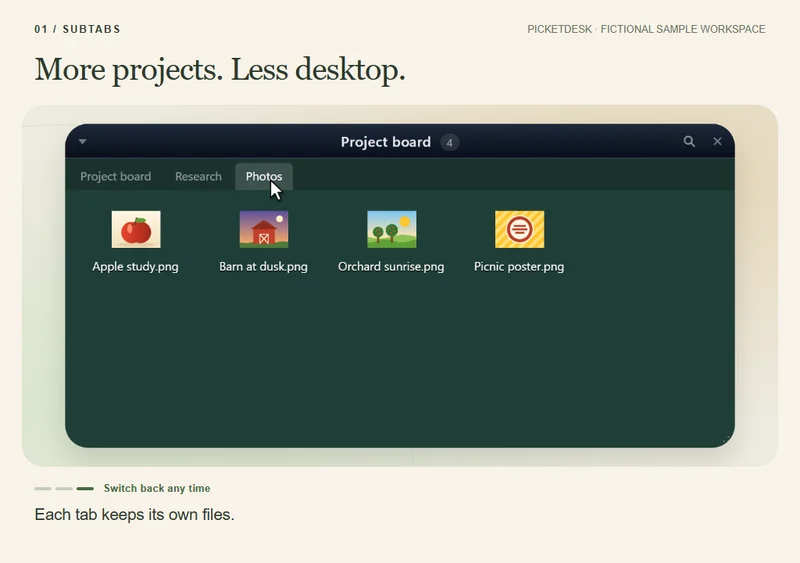
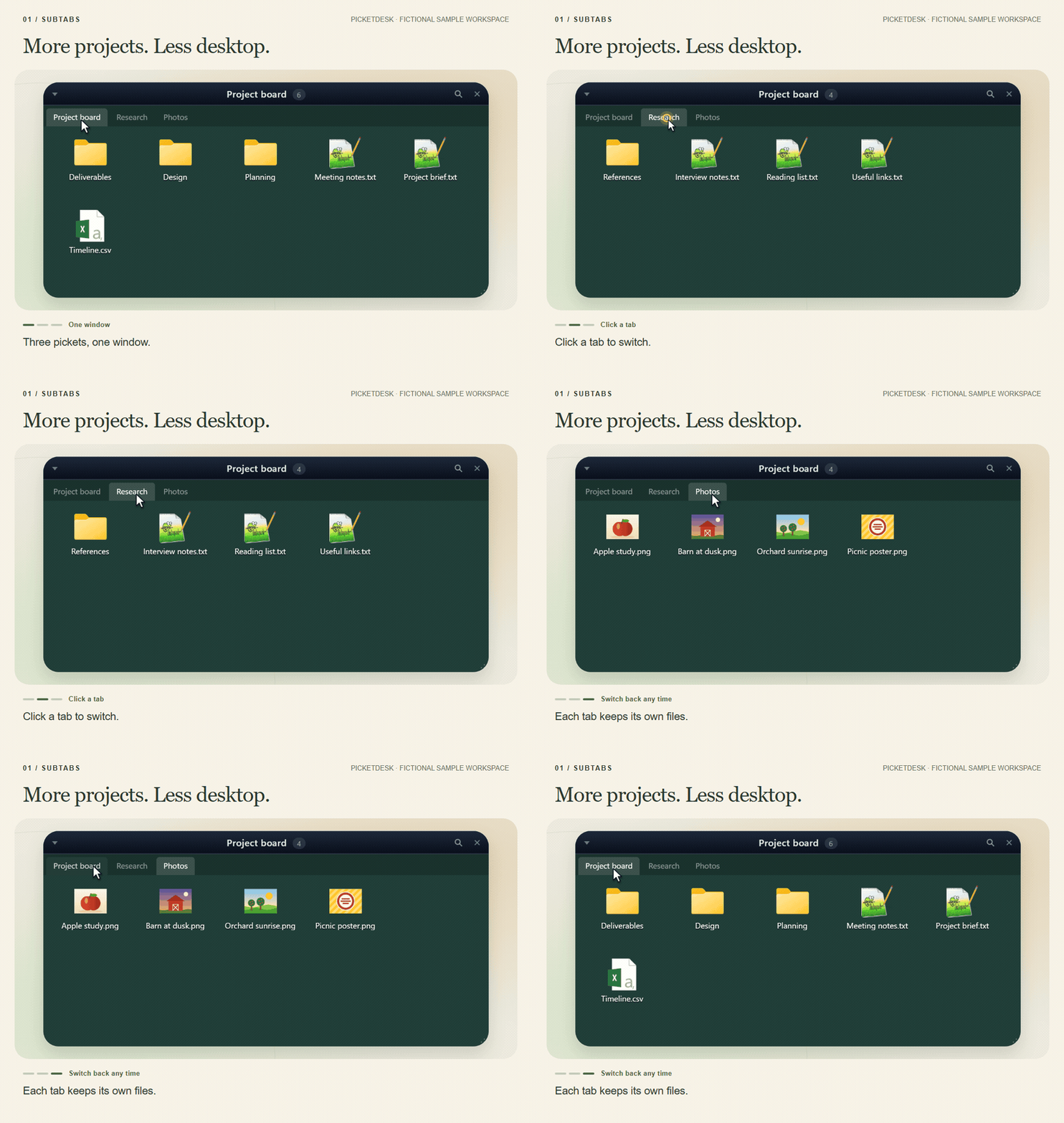
Subtabs
Combine pickets into one window, then click between their tabs.
- Three pickets, one window.
- Click a tab to switch.
- Each tab keeps its own files.
Animation unavailable. Showing a still image.
Feature guides and examples
- Subtabs — Combine pickets into one window, then click between their tabs. Subtabs guide · View example
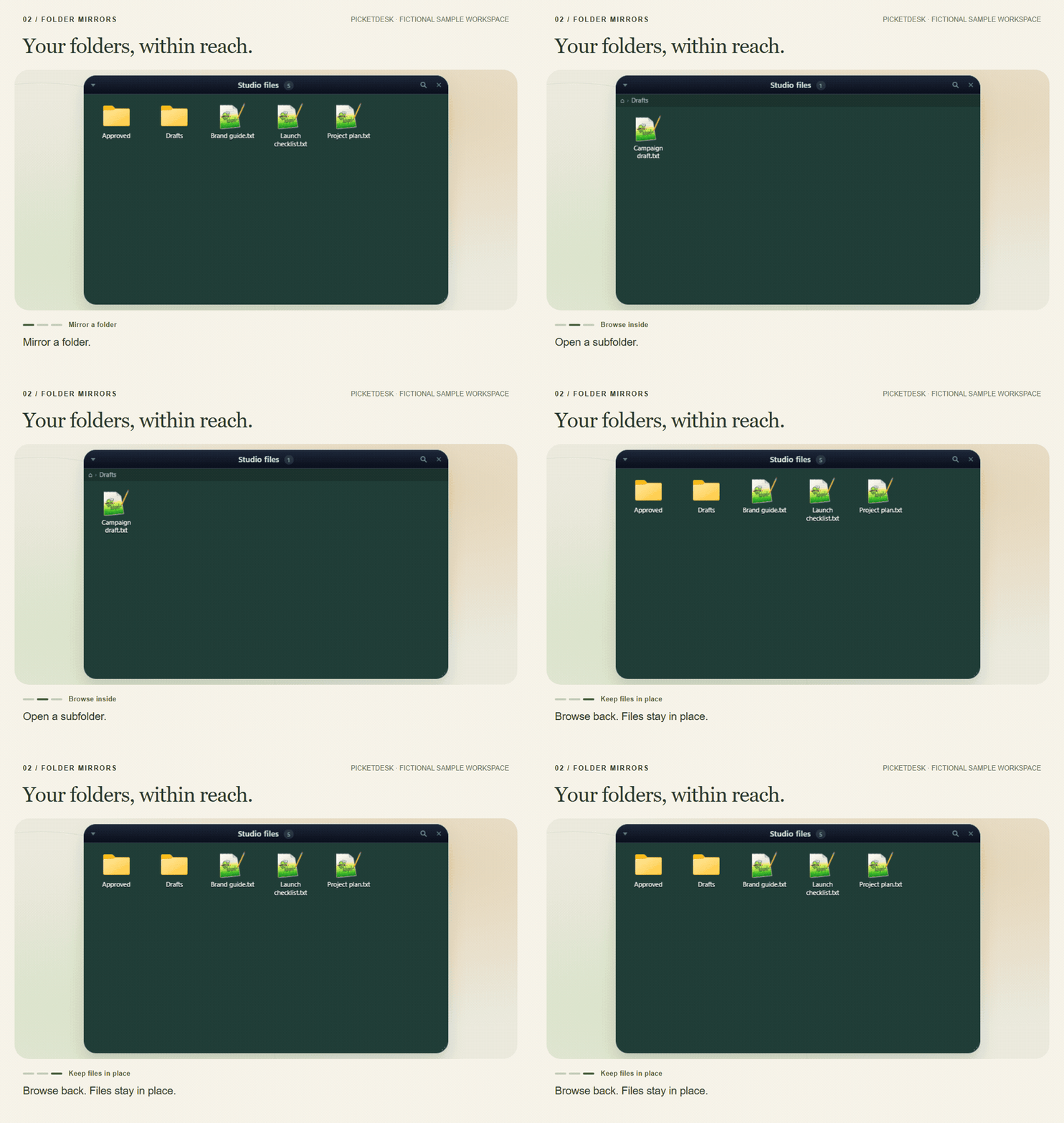
- Folder mirrors — Keep a live view of a real folder on the desktop and browse its subfolders. Folder mirrors guide · View example
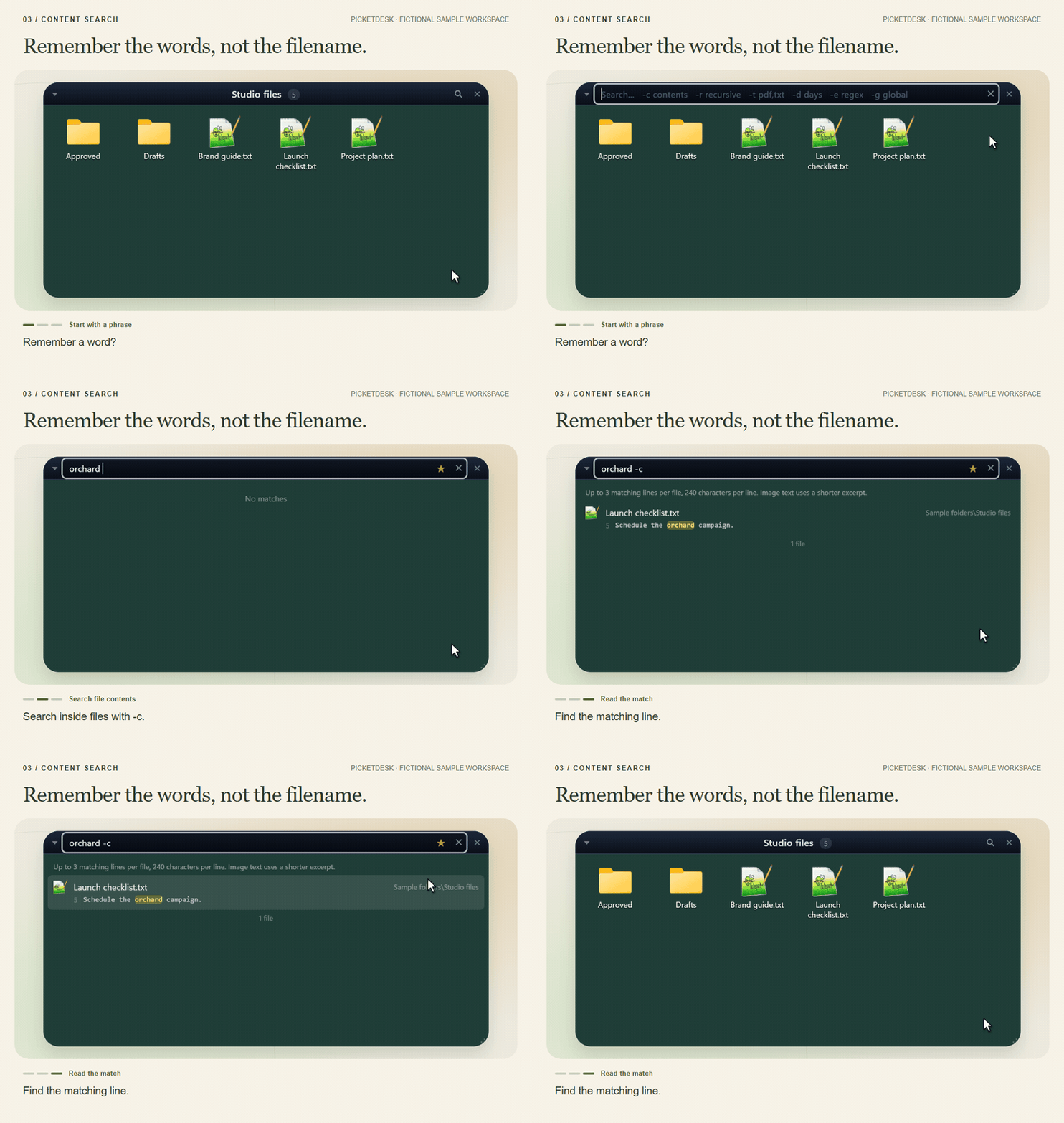
- Content search — Search inside a text file and see the matching line in context. Content search guide · View example
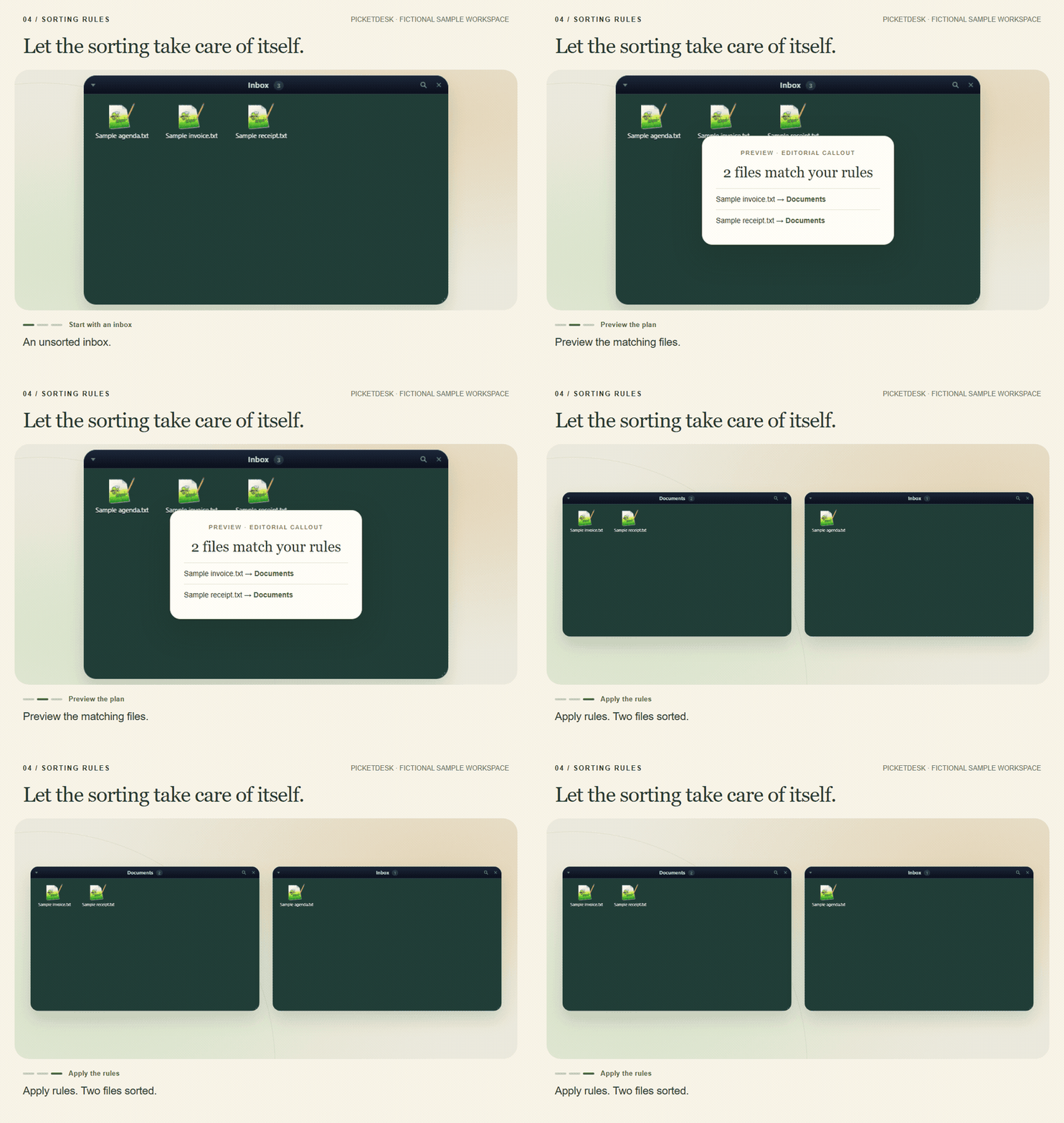
- Sorting rules — Preview which sample files match your rules, then apply the plan. Sorting rules guide · View example
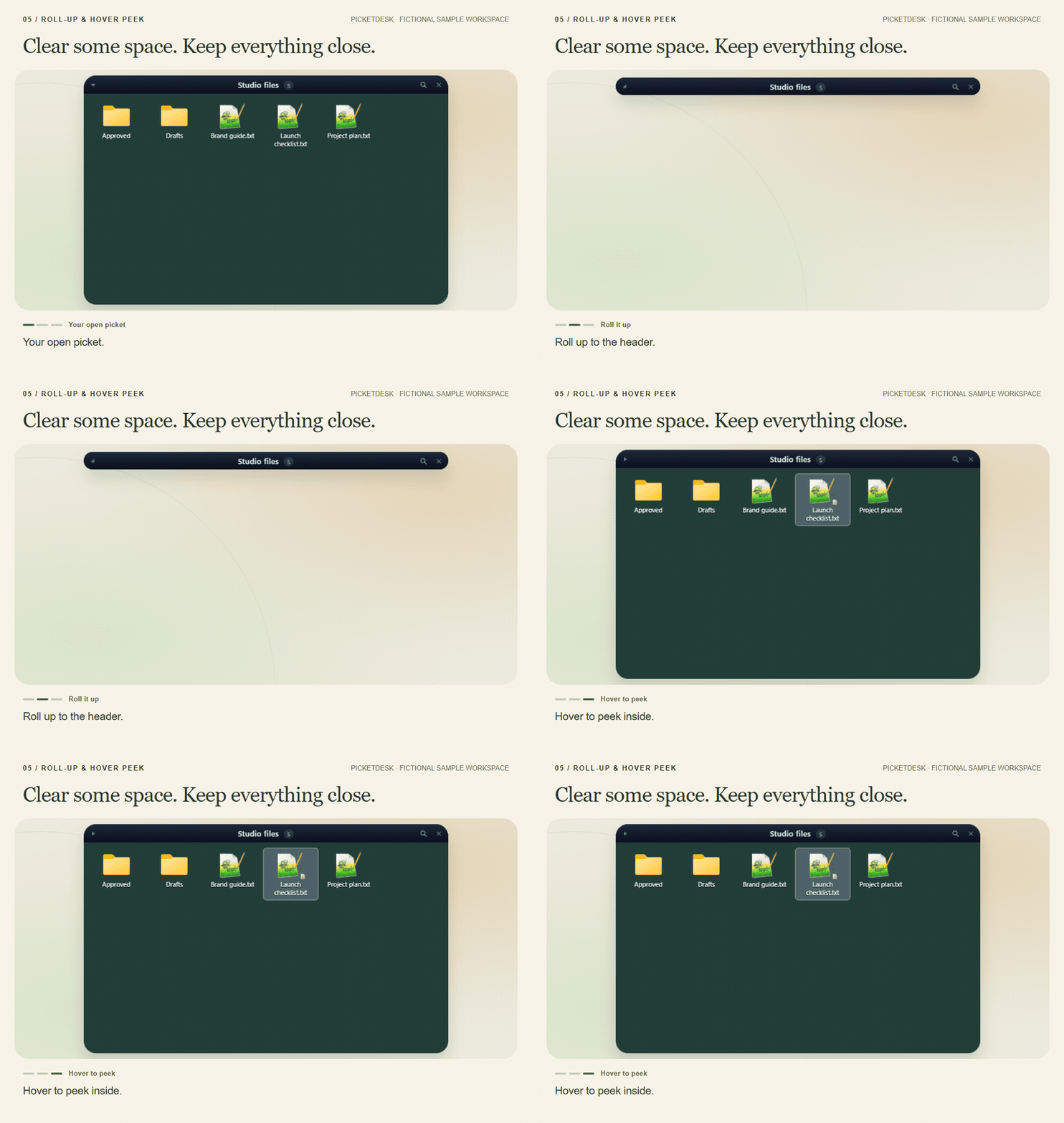
- Roll-up & hover peek — Collapse a picket to its header, then temporarily reveal its contents. Roll-up & hover peek guide · View example
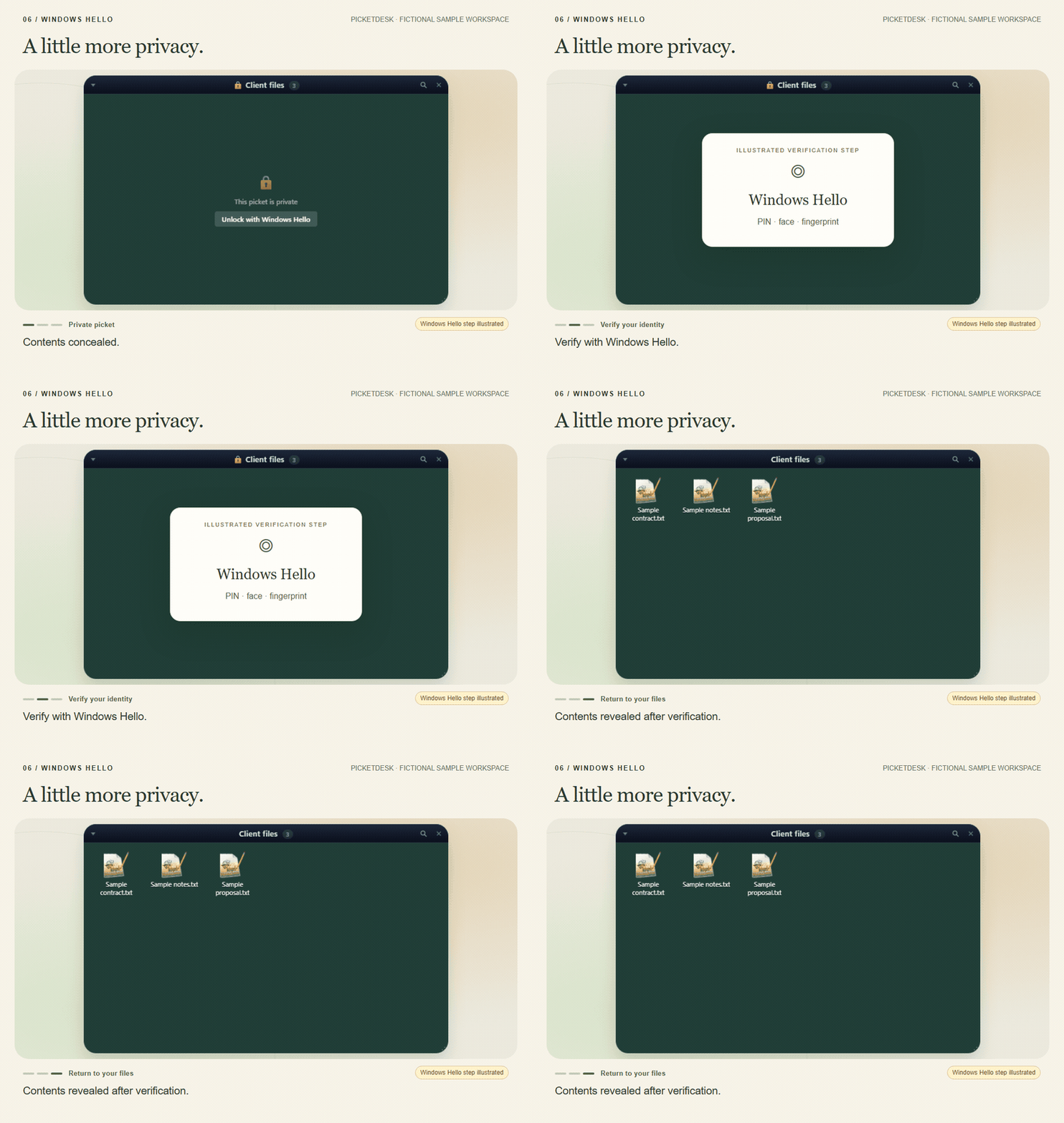
- Windows Hello — Conceal a private picket until Windows Hello verifies you. This does not encrypt files. Windows Hello guide · View example Windows Hello verification and the unlock transition are illustrated. No authentication was recorded. Requires Windows Hello configured on the PC.
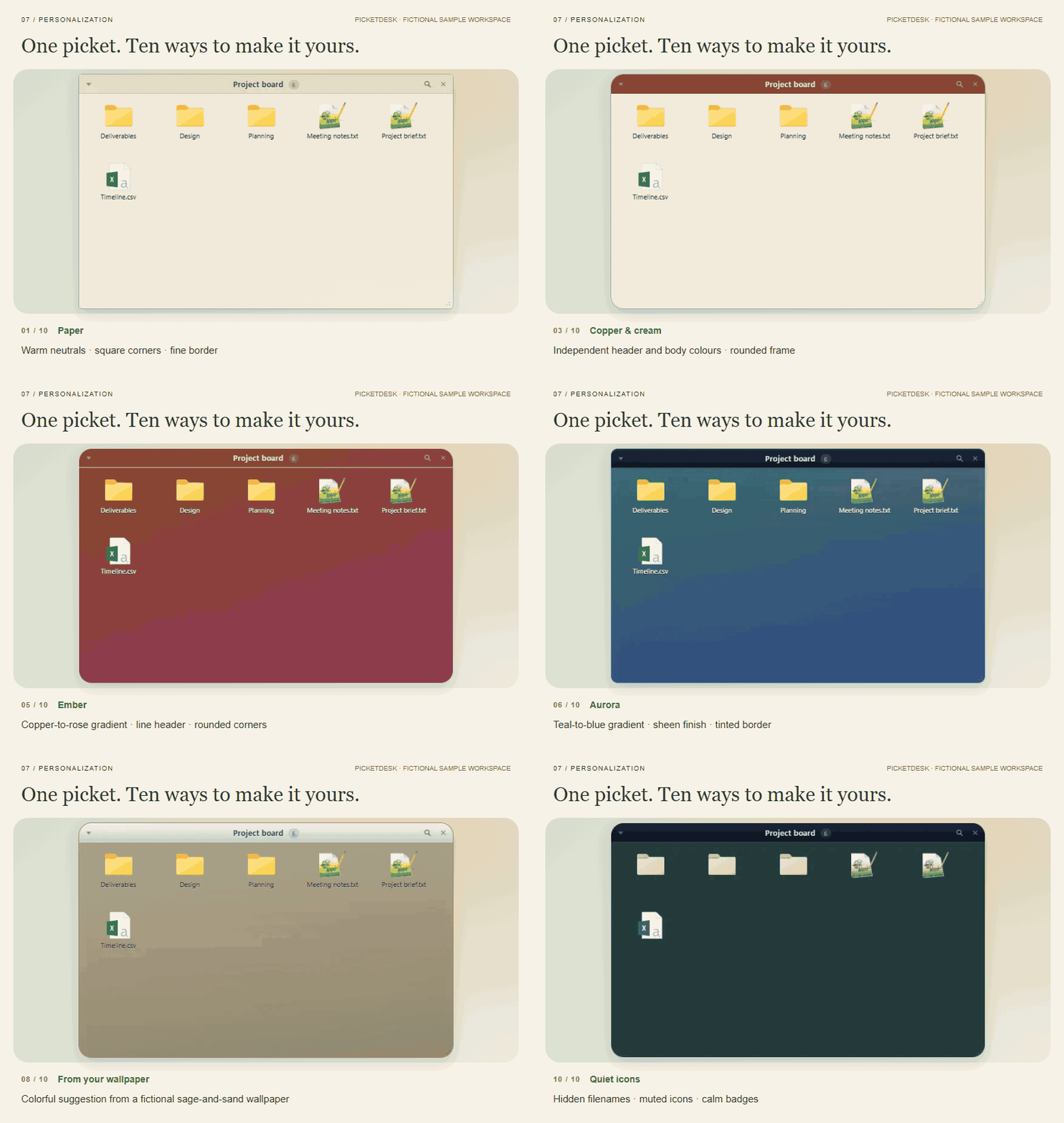
- Personalization — Make every picket your own. Start with a complete theme, then customize the header, body and frame—from colours and gradients to opacity, corners and borders. Match your wallpaper with colour and theme suggestions sampled from your desktop background. Personalization guide · View example
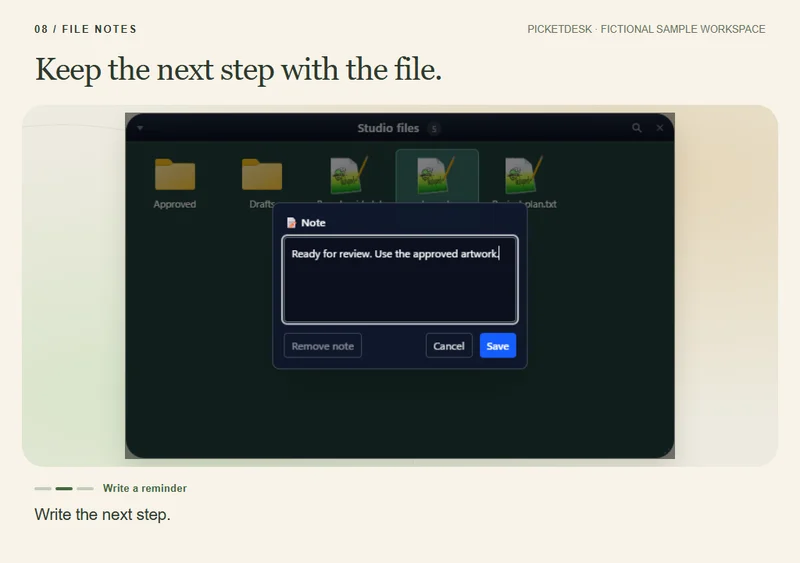
- File notes — Attach a short note to an item, without editing the original document. File notes guide · View example
Our promise
A desktop that works
as hard as you do.
Picketdesk turns the wall of icons you put up with into a calm, searchable workspace that keeps itself tidy. Every day starts where you left off, with the file you need one keystroke away.
-
Icons scattered everywhere
Every project in its own picket
Group icons into labelled pickets you can roll up, stack as tabs and switch between pages for work, home or one client.
-
Hunting for that one file
Found in a keystroke
Ctrl+Shift+F searches names, the words inside your documents and even the text in your screenshots.
-
Tidying up every Friday
Rules do it for you
Sorting rules file new arrivals by name or type as they land on your desktop, so it never piles up again.
Version 1 is free. Every feature.
Every feature of Picketdesk 1 is free, for everyone, with its updates and security fixes.
- No account
- No licence key
- No subscription
- No trial
Version 1 stays free forever. A later version may add new paid features; everything version 1 does stays free in it.
What’s the catch? There isn’t one: no ads, no tracking, nothing to unlock. See how it stacks up →
Your files stay yours.
Grouping icons already on your Desktop keeps their files in place. Moving files to folders and using archive actions are separate choices.
While a file is grouped, Picketdesk hides its desktop icon, so it is also missing from File Explorer's Desktop folder and from Open and Save dialogs. Picketdesk tells you this before your first grouping, and dragging a file out of its picket brings it straight back.
Closing a picket returns its desktop icons. Quitting Picketdesk restores the icons it hid, with recovery tools available if something goes wrong.
How icon recovery works →Picketdesk vs. the market
Best in show. Free to enter.
We won’t name names. We put Picketdesk in the ring with the typical desktop organizer, paid or free, one thing at a time. You judge the ribbons.
| What you get | Picketdesk | Typical desktop organizers |
|---|---|---|
| Price | Free: every feature of version 1, for everyone | Often a licence fee or a yearly subscription |
| Account and key | None, not even an e-mail address | Often an activation key, sometimes an account |
| Ads and tracking | None. Picketdesk sends nothing unless you choose to send a crash report | Free ones sometimes show ads for other products or count how you use them |
| Search inside your files | Text in PDF, Word, Excel and PowerPoint files and in screenshots, on your PC | Rarely |
| Automation | Rules file new arrivals, smart pickets follow a search, and drop zones zip, date-stamp, move or run your own command | Sorting rules, sometimes |
| Pages and layouts | A page for each task, virtual desktop, time of day and monitor setup | Some of these, most often a saved layout |
| Keyboard | Hotkeys to search, bring pickets above your windows, jot a note or switch pages, and a command palette | A few shortcuts, if any |
| Notes and privacy | Notes, tags and reminders on files, and pickets locked with Windows Hello | Rarely |
| What it installs | For your account only: no admin rights, no shell extension, no service, no driver | Often admin rights, sometimes code inside Explorer |
“Typical” is what we found among paid and free desktop organizers for Windows while building Picketdesk in 2026. Products change, so check before you choose, and if we got something wrong, tell us at support@picketdesk.com.
- A Rust core Memory-safe code on Windows’ own APIs, in a per-user install that needs no administrator.
- Its own windows Picketdesk draws your pickets itself. It never loads code into Explorer.
- Three safety nets Quitting, a watchdog and a one-click restore each bring hidden icons back on their own.
Ready when you are
Download
Picketdesk for Windows 11 (64-bit). Installs for your Windows account without administrator rights. Uninstalling runs icon recovery before removing the app.
Not code-signed. Windows may show an unknown-publisher warning. About signatures
Installer checksum (SHA-256)
bcadff253e246bf274dcff261060cdbe311f56408c4dc65051b874957383b3c4
6,577,717 bytes · Release metadata
Public download verification is pending.